
Activities / ResourcesForCourses
Everything for the course, in one place.
ResourcesForCourses gives each course a single resource page offering learners an ordered list of links, files and rich text information. Items can have light-touch access controls, letting you decide what is accessible and when.
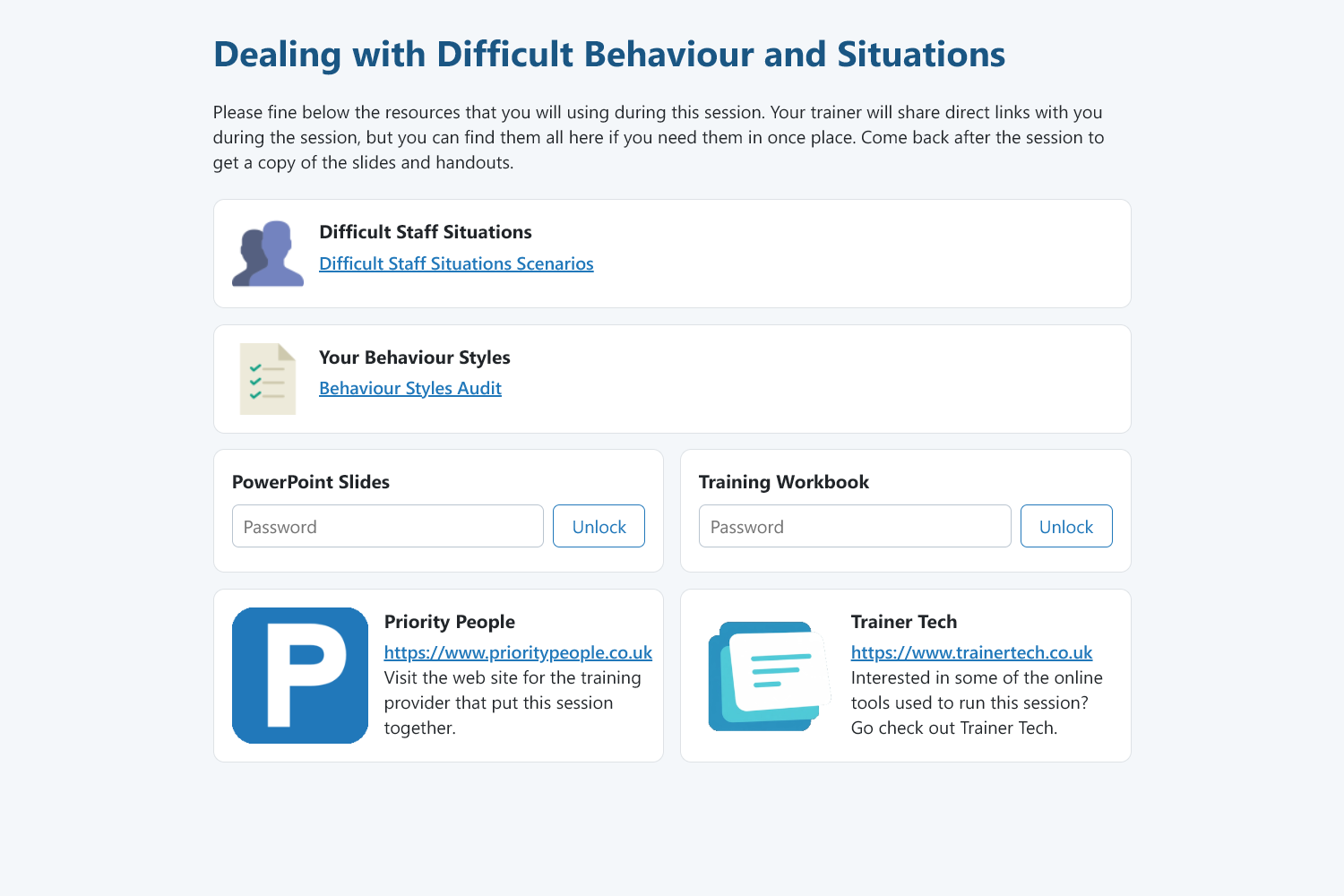
What you get
Links, files and text
Mix TrainerTech activities, external links, uploaded files and plain information in any order.
Light-touch controls
Optional per-item passwords and timers to release material when you choose.
Different content per course or session
Tie a page to a course to re-use or a single session when it needs something specific.
Simple to set up
Create, reorder, relabel and describe items in a simple web page.
How it works
- 1
Create a resource page and add your items.
- 2
Optionally set passwords or lock items until a specific time.
- 3
Share the link with your learners before, during or after a course.
Ideas to get you started
- Slides and handouts after a workshop
- Pre-reading or skills quiz before a course
- Links to activites and resources that unlock during a session.
Nothing for learners to install
Learners open a link and get straight on with it, and the tools are designed with phones, tablets and laptops in mind. You manage everything from one trainer hub.
Ready to bring your sessions to life?
Create a free account and build your first activity in minutes, or tell us what you need and we will help.