
Activities / LinkManager
Short links your learners can actually type.
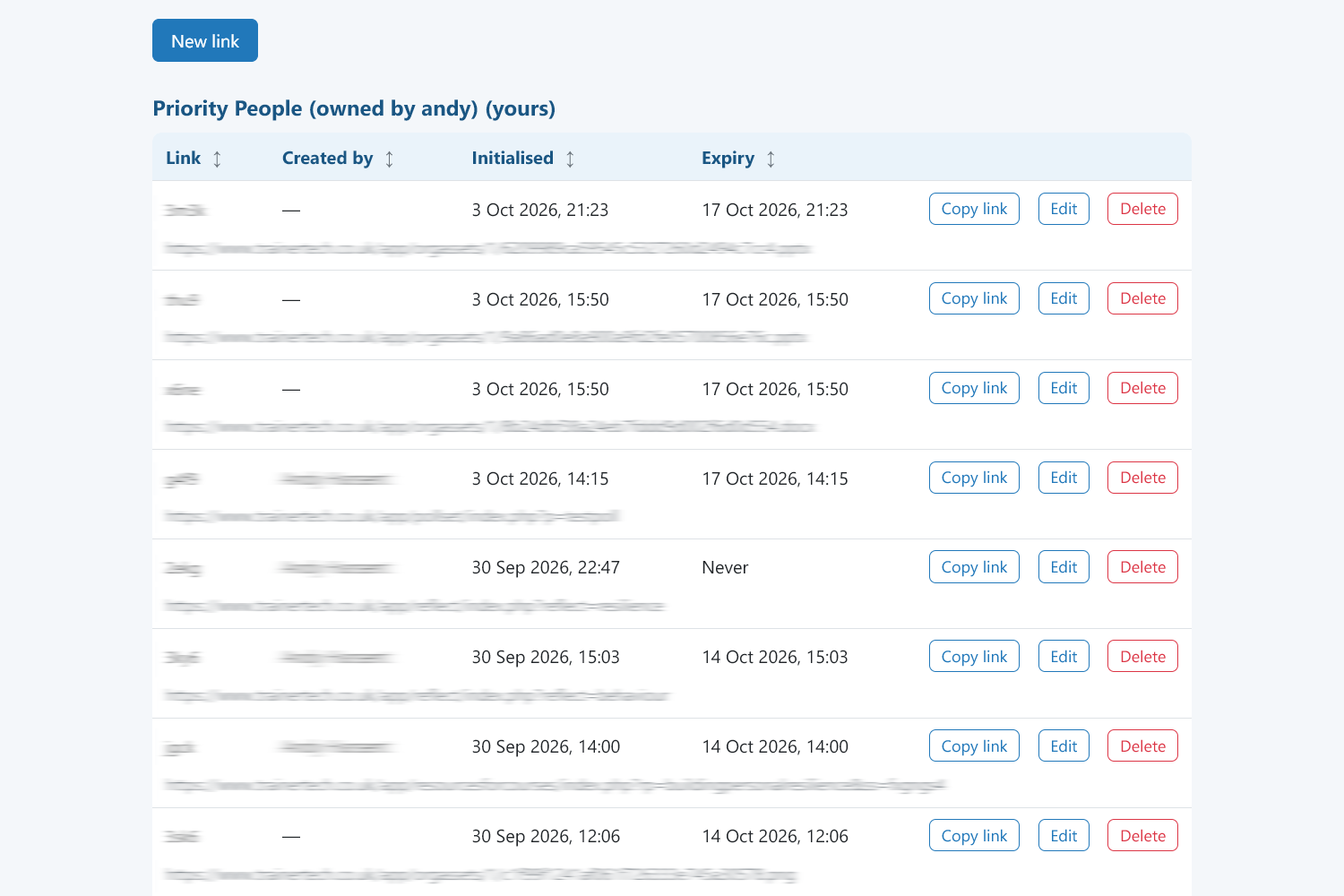
LinkManager creates short links that redirect to any web address. Other TrainerTech activities can use it automatically whenever you need a link, so what you show on-screen is short and easy.
What you get
Short and sayable
Based on 4 or 5 characters that are easy to read out and type.
Built into every activity
Copying links always tries to give you a short link, with no extra steps.
Use it for anything
Shorten any address you want to signpost learners to, not just TrainerTech ones.
It\s not foerver
Variable expiry dates, so old material doesn't linger.
How it works
- 1
Paste a long address, or just use 'Copy link' in any activity.
- 2
Get a short link.
- 3
Put it on the screen, in the chat or read it out.
Ideas to get you started
- Links on slides and handouts
- Quickly share resources in the room
- Sign-post learners to external material
Nothing for learners to install
Learners open a link and get straight on with it, and the tools are designed with phones, tablets and laptops in mind. You manage everything from one trainer hub.
Ready to bring your sessions to life?
Create a free account and build your first activity in minutes, or tell us what you need and we will help.