
Activities / GroupCards
Get the whole room sorting, debating and learning.
GroupCards turns a pile of words, phrases or statements into a hands-on board for groups. Each group gets a shared board where cards are dragged into categories, and the conversation that follows is where the learning happens.
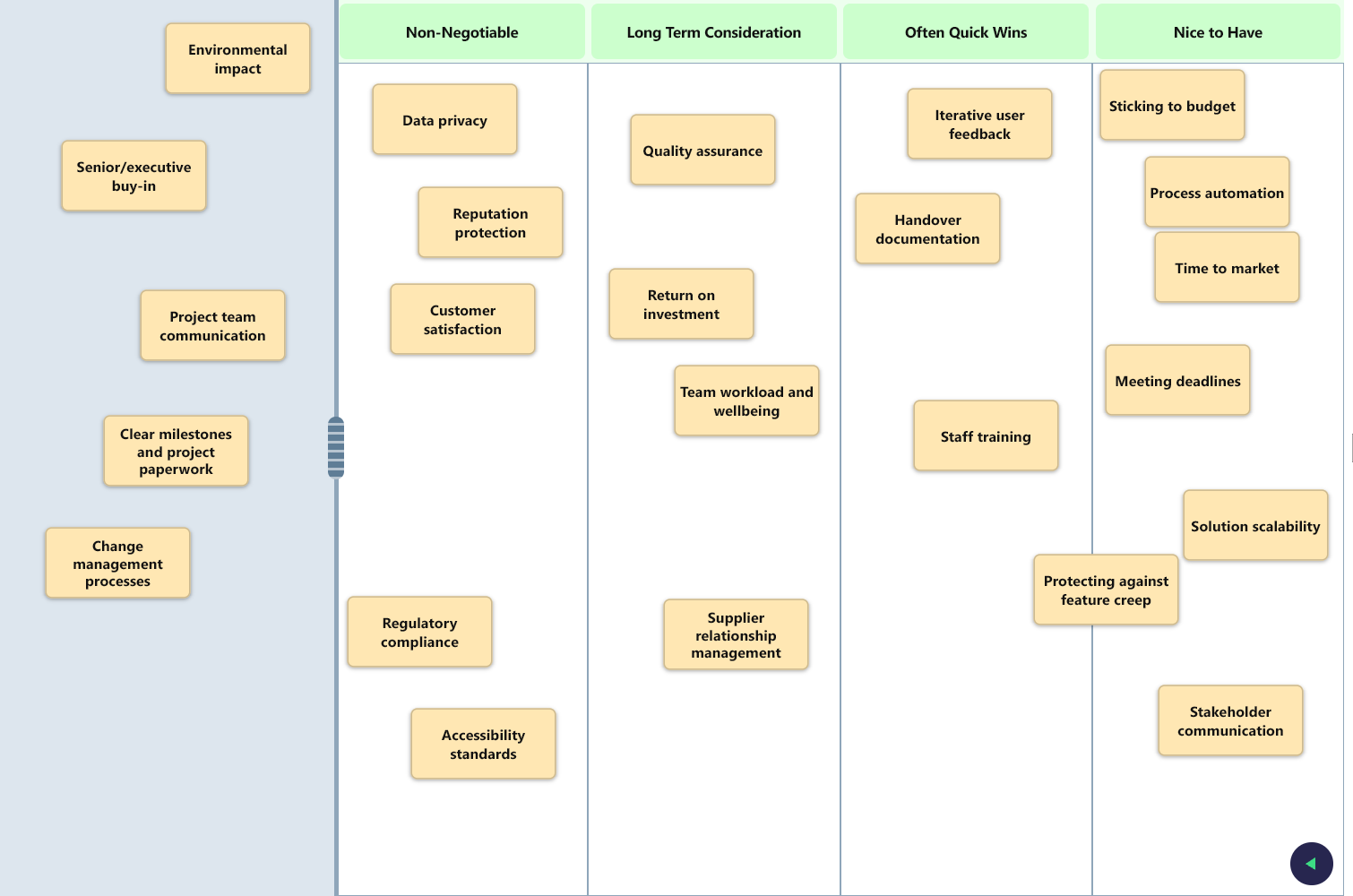
What you get
Shared live boards
Every group gets a board that updates in real time for everyone.
Flexible layouts
Set up categories as columns, rows or both to suit the board.
Collaboration and conversation
Nothing is scored; It's all about discussion and sharing opinions.
Tactile and visual
Cards go wherever the learners want to put them.
How it works
- 1
Build a card deck and set up categories.
- 2
Share a link with your learners and let them join a group.
- 3
They work together in real time sorting cards with drag and drop.
Ideas to get you started
- Sorting behaviours into "acceptable" and "not acceptable"
- Matching terms to definitions
- Prioritising actions or values as a team
Nothing for learners to install
Learners open a link and get straight on with it, and the tools are designed with phones, tablets and laptops in mind. You manage everything from one trainer hub.
Works well with
CloudView
Everyone adds words from their own phone and the cloud grows in front of the room, by group or combined.
ExploreScenarioSets
Themed scenarios for groups to discuss, each with its own shared notes.
ExploreProgrammes
Keep track of the courses, workshops and events you run, and tie activities to the right session.
ExploreReady to bring your sessions to life?
Create a free account and build your first activity in minutes, or tell us what you need and we will help.